NATO Burrito: https://natoburrito.com
The Problem
Most NATO/binary converters make you do this:
- Choose your input format
- Choose your output format
- Paste your text
- Click "Convert"
- Copy the result
- Open a browser and search to see what the result actually means
That's six steps for something that should be one.
The Solution
With NATO Burrito, there's only one step: paste.
It auto-detects whether you pasted text, NATO phonetic words, binary, or Base64 — and shows you the decoded result plus a Google search instantly.
Before — the typical converter experience:
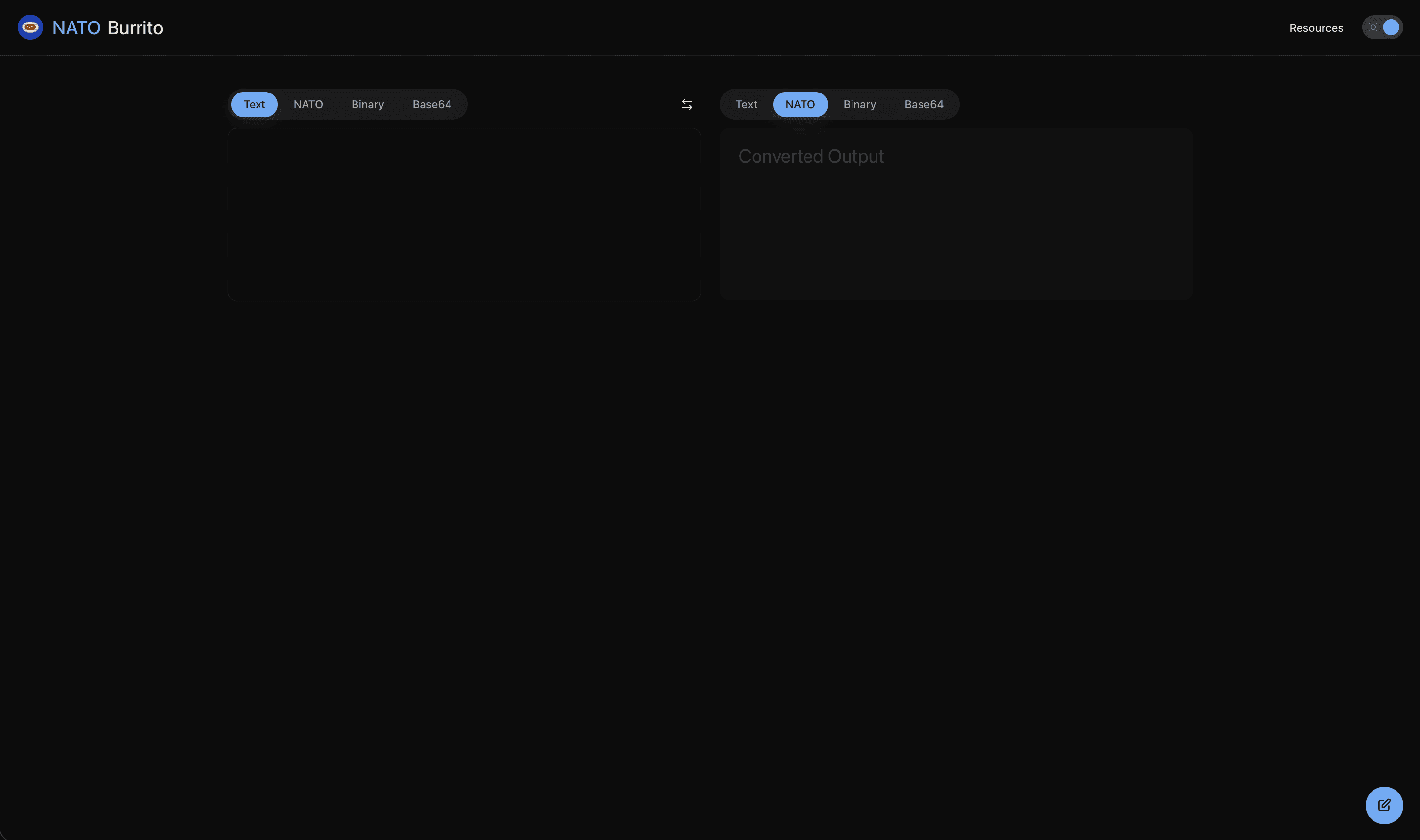
Pick input type. Pick output type. Paste. Click convert. Copy output. Open another tab to Google it.
After — NATO Burrito:
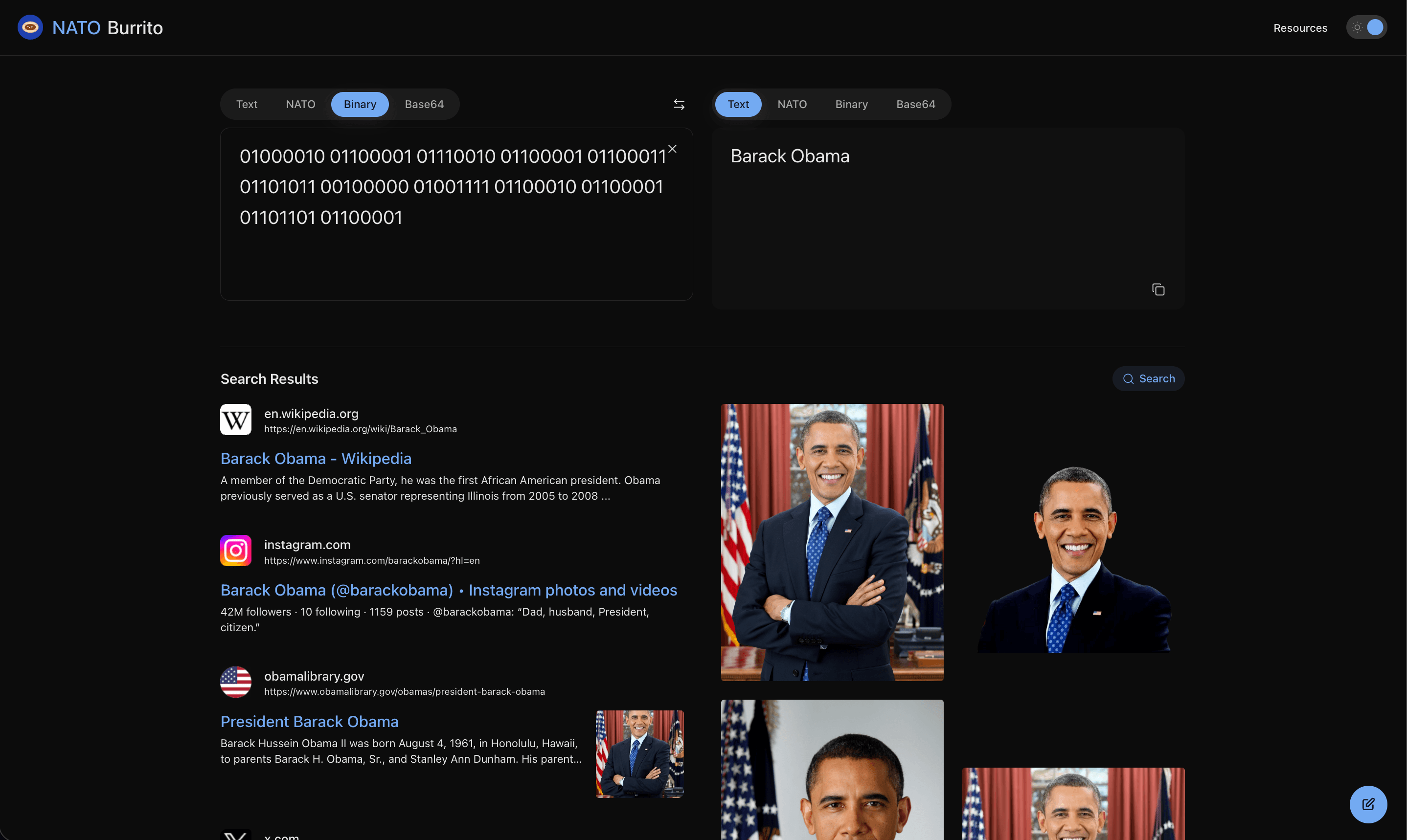
Paste. Done.